Not much to mention on the tech side these days since I’m mostly doing acquisition.
Nevertheless.
I bought and installed a homeserver, I rescued files from an encrypted SSD and I created a DESIGN.md
Homeserver
I finally bought and installed a homeserver. I bought a refurbished HP EliteDesk 800 G6 Mini and it’s a dream. 16 GB of RAM, 512GB SSD harddisk and 12 Intel Core i5s for ~400 Euro. Low power usage, silent and very small form factor.
I installed Ubuntu Server LTS on it for the good hardware support, Debian compatibility and small footprint. Works like a charm.
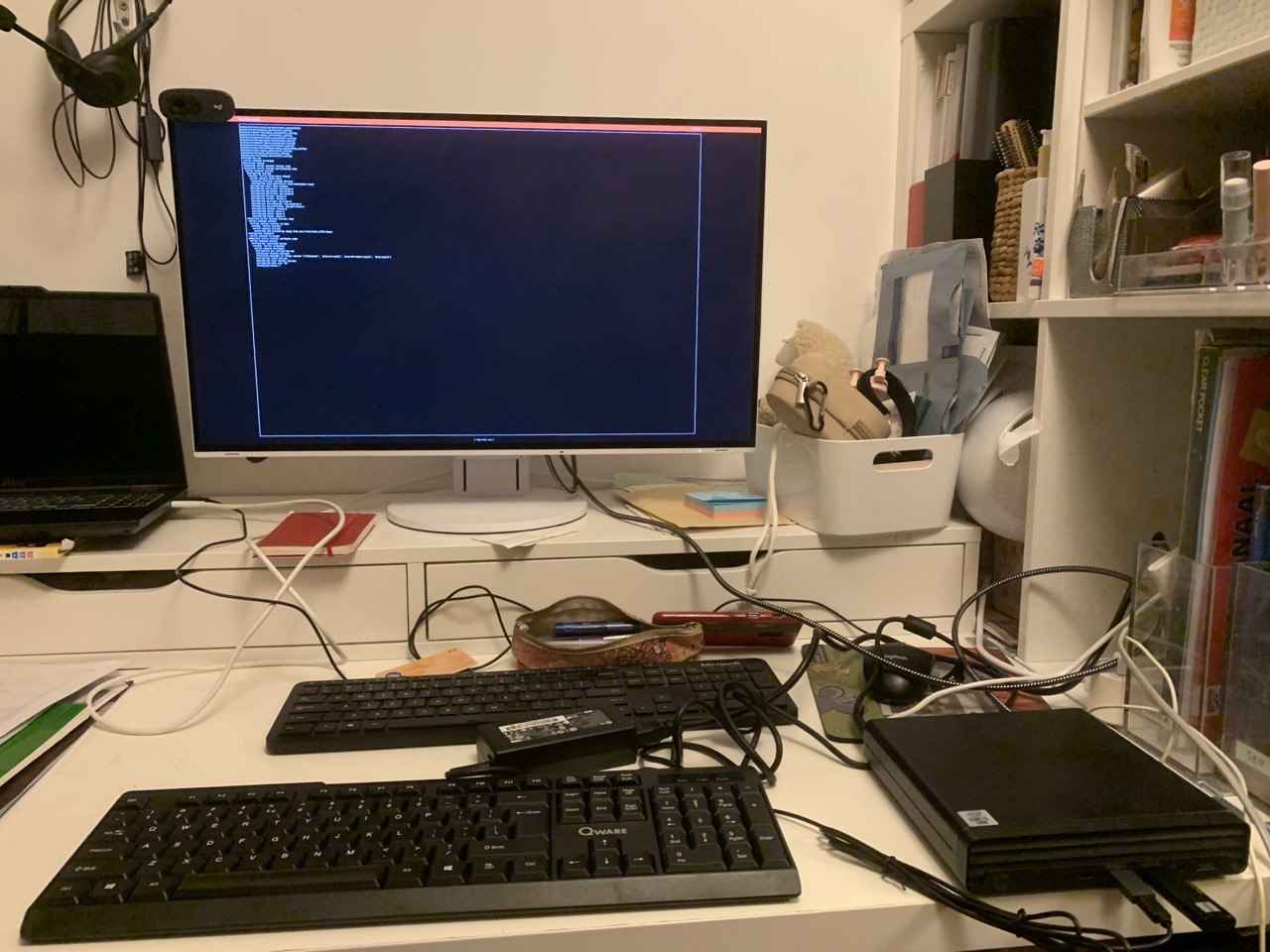 Installing the EliteDesk, in the bottom left corner
The server was cheap, but then I ran out of ports in my modem so I had to buy an 8 port TP Link switch. It doesn’t have an USB-C port for graphics so I had to buy a display port cable and a USB keyboard. Another 60 Euros. Oh well.
I installed Immich with docker compose in 5 minutes, connected my iPhone via their iOS app and had all my iCloud photos synced to my old Synology DiskStation NAS in a breeze.
TODO
- run a Hermes harness in a Docker container on the homeserver
Encrypted SSD rescue
All my photos are now stored on my NAS and served by Immich on my homeserver. But I remembered having some photos on my old laptop whose battery is dead and I don’t have the power supply anymore.
 the old, broken laptop
Damn. Search for a proper power supply to start the laptop and copy the photos to a USB.
Or not?
No! Just get the SSD from the laptop, put it in a docking station and connected that to your new laptop and copy the files.
Okay!
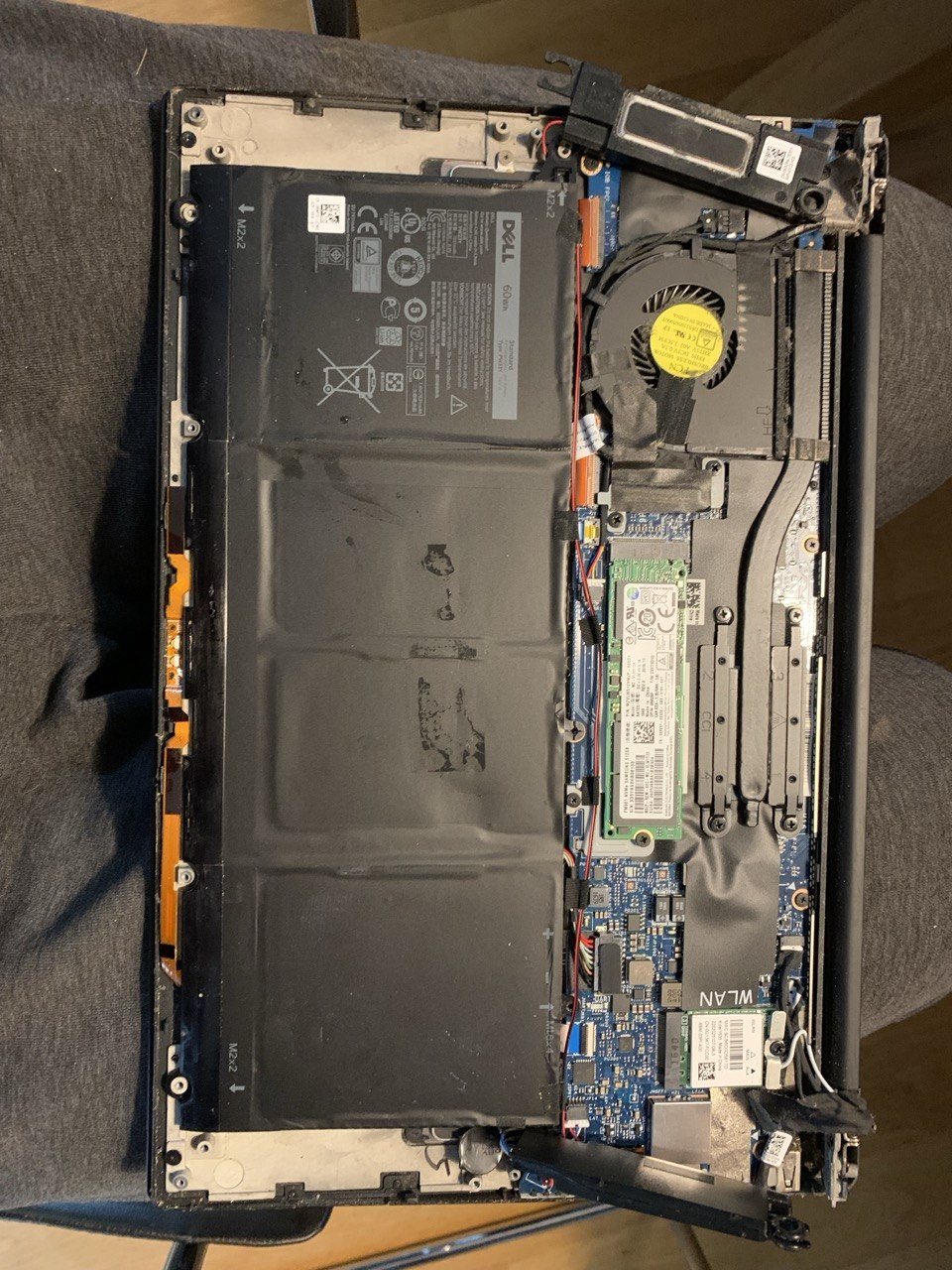 the old, broken laptop, open
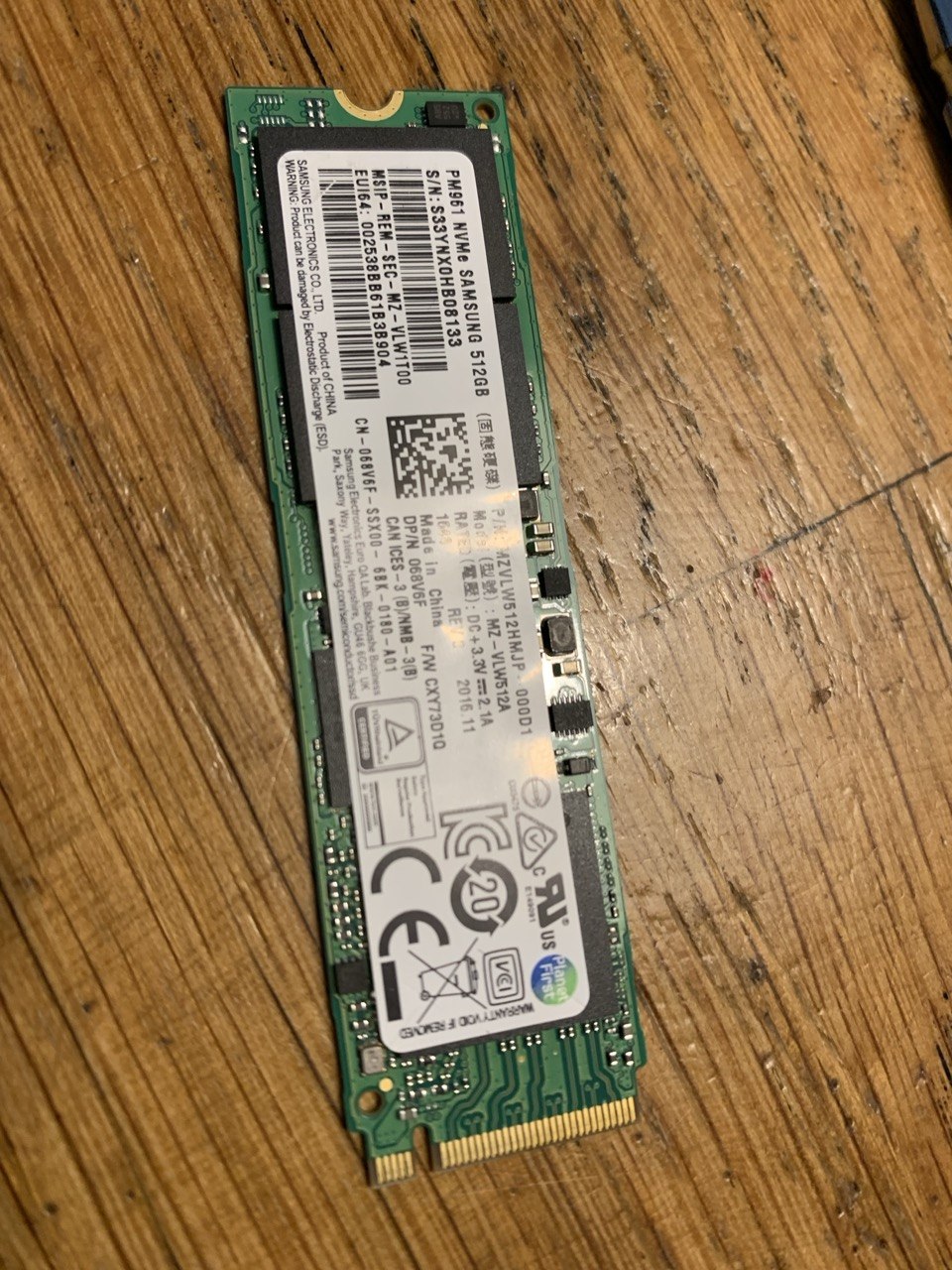 the NVMe SSD, extracted from the old, broken, open laptop
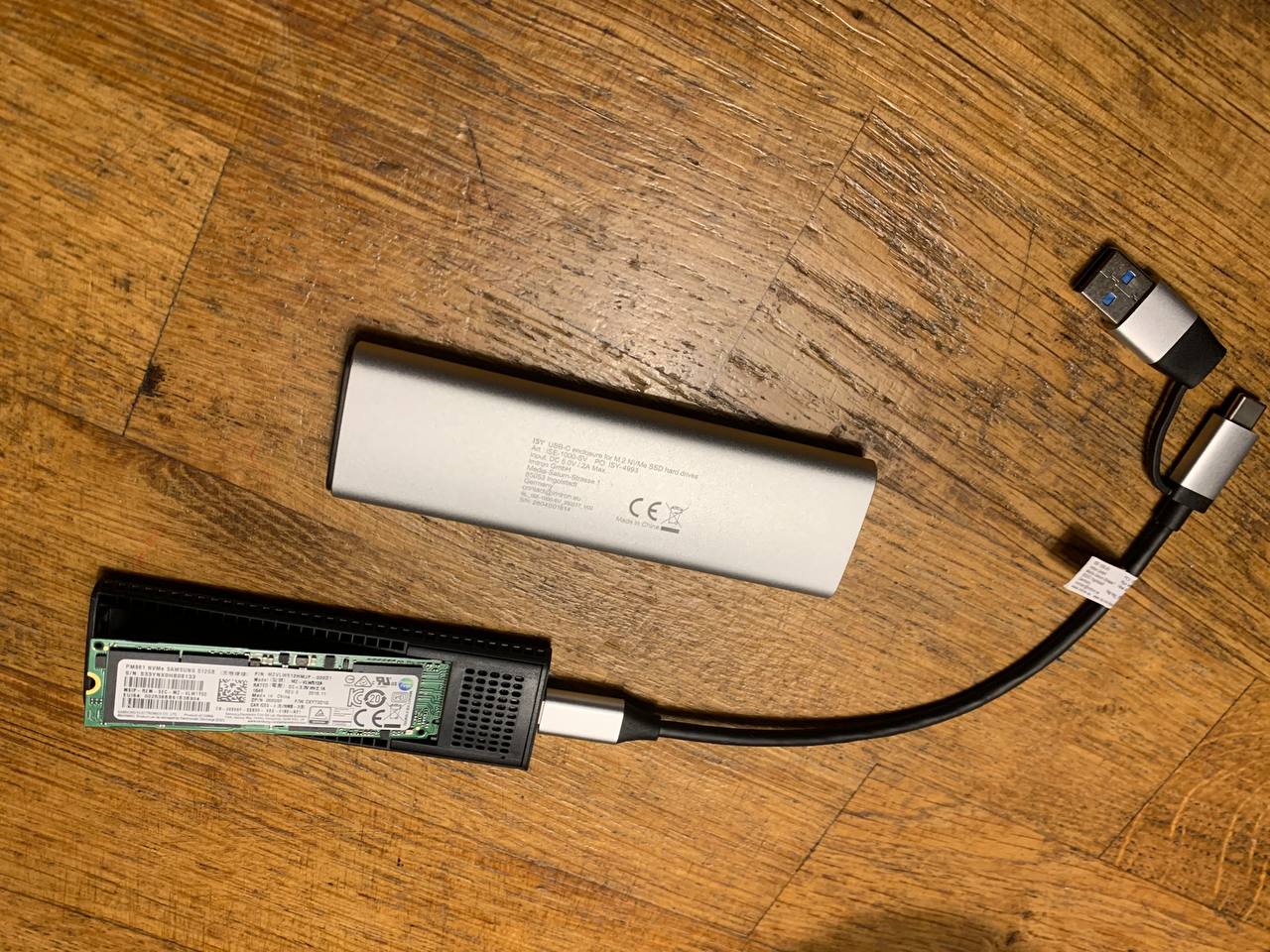 the SSD from the old, broken, opened laptop, in a docking station
All good, SSD in docking station, connected to my new laptop. I can read the SSD, I can see my homedir. But of course, the volume is encrypted. What to do? No worries, on Linux, there is always a solution:
sudo su -
apt install ecryptfs-utils
sudo ecryptfs-recover-private /media/arjen/UBUNTU/home/.ecryptfs/arjen/.Private
cd /tmp/ecryptfs.qMmXiINP/
ls
du -sh
cp -r pix/ /home/arjen/Desktop/.
cd /home/arjen/Desktop/
chown -Rf arjen:arjen pix/
Et voila!
Thank you Linux community.
DESIGN.md
I told my harness to remember the styles of this blog so my other websites would look more or less the same. It did. But then I remembered Google released a “A format specification for describing a visual identity to coding agents. DESIGN.md gives agents a persistent, structured understanding of a design system.”. Nice.
I told my agent to create a DESIGN.md based on the current style. I told it to create a colour palette based on my dog:
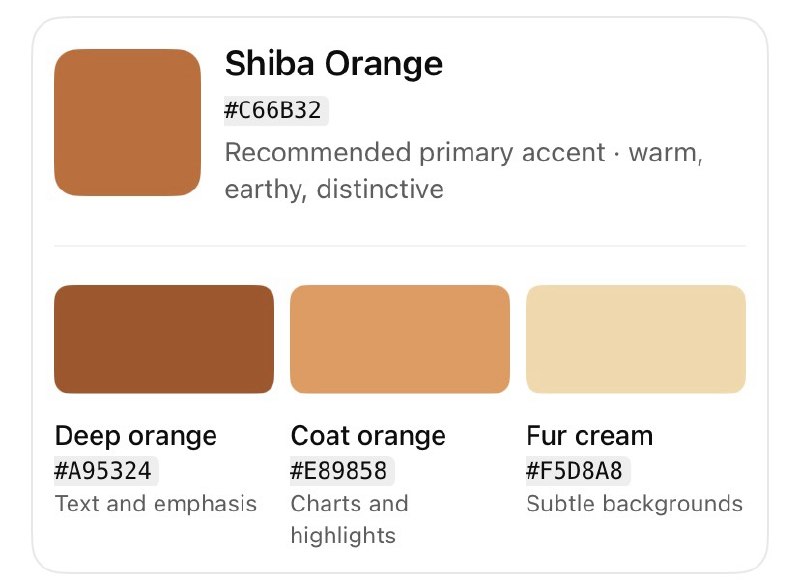
And I told it to create a bunch of graphs and maps with this palette, inspired by The Economist, Tufte and WIRED. I made an exploratory and an explanatory version.
This is what it came up with after a few iterations.
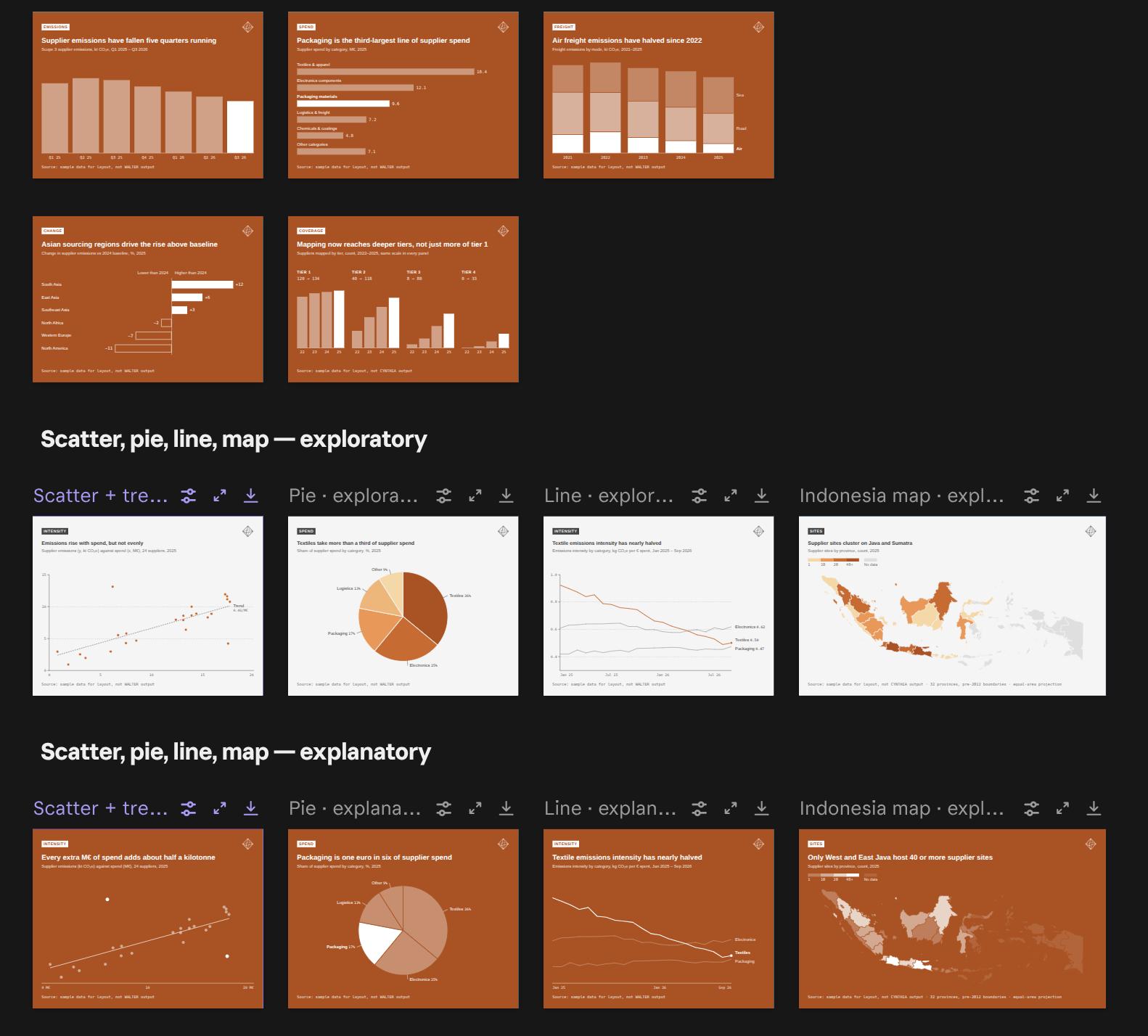 designs
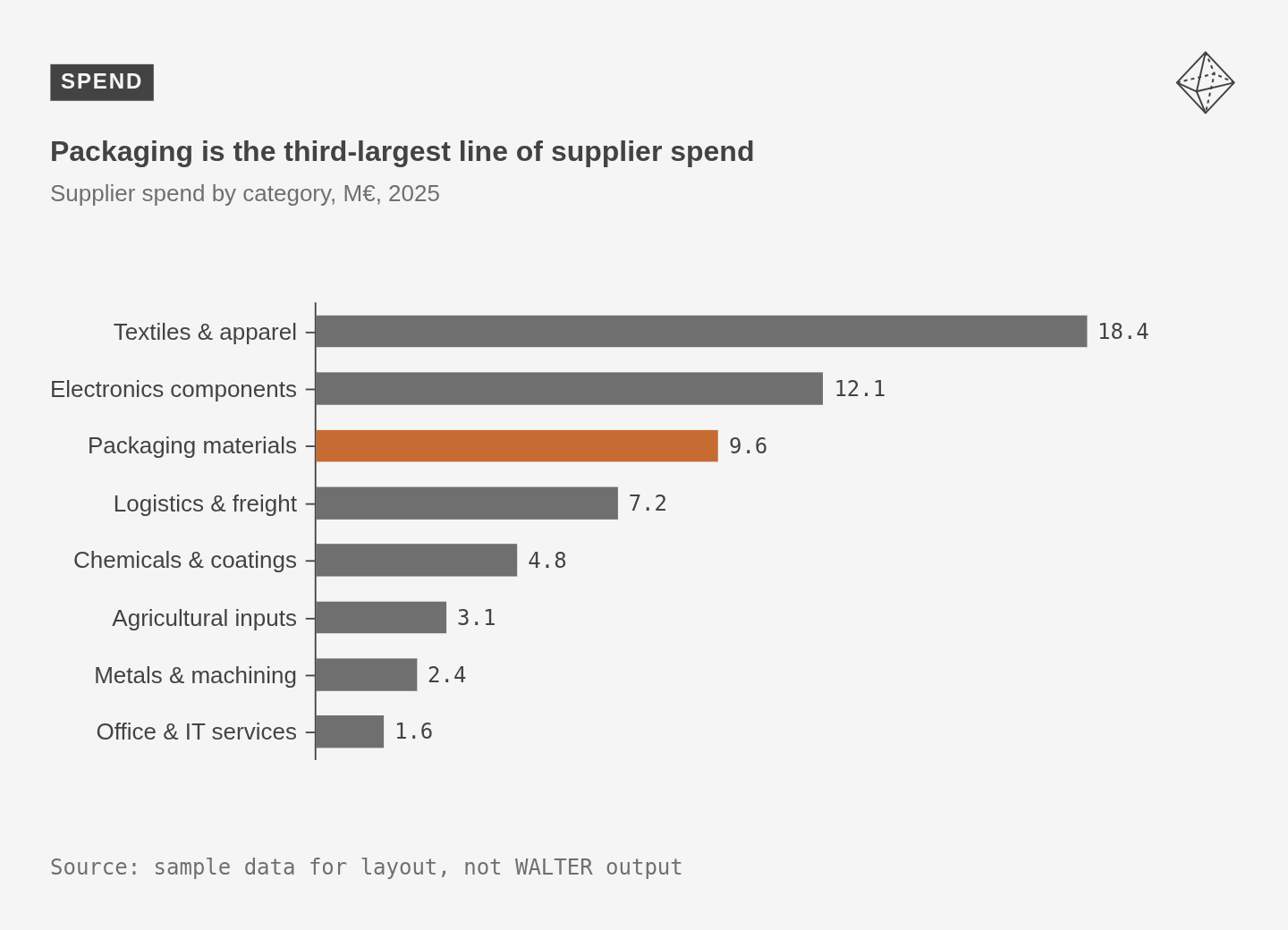 exploratory style
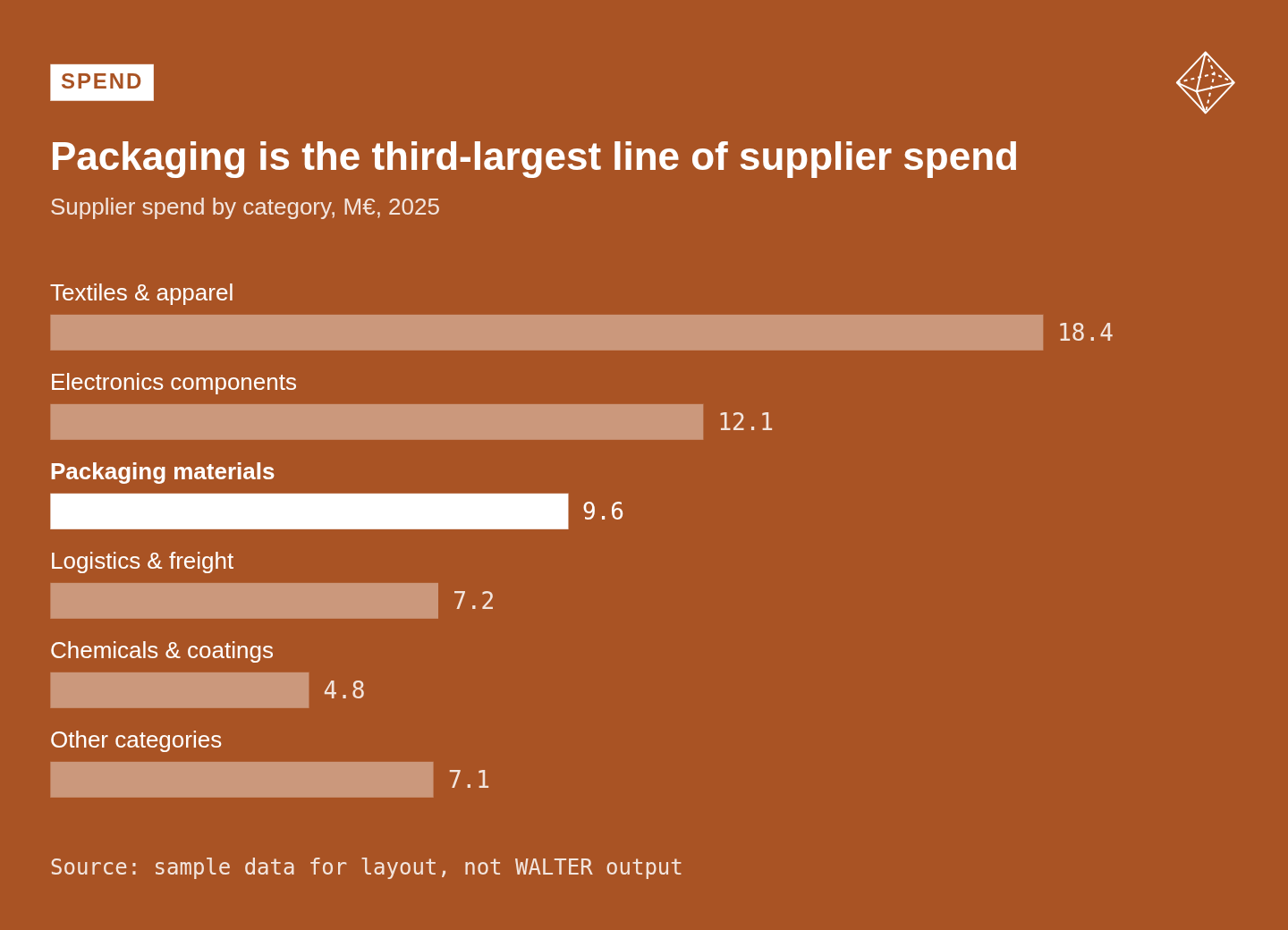 explanatory style
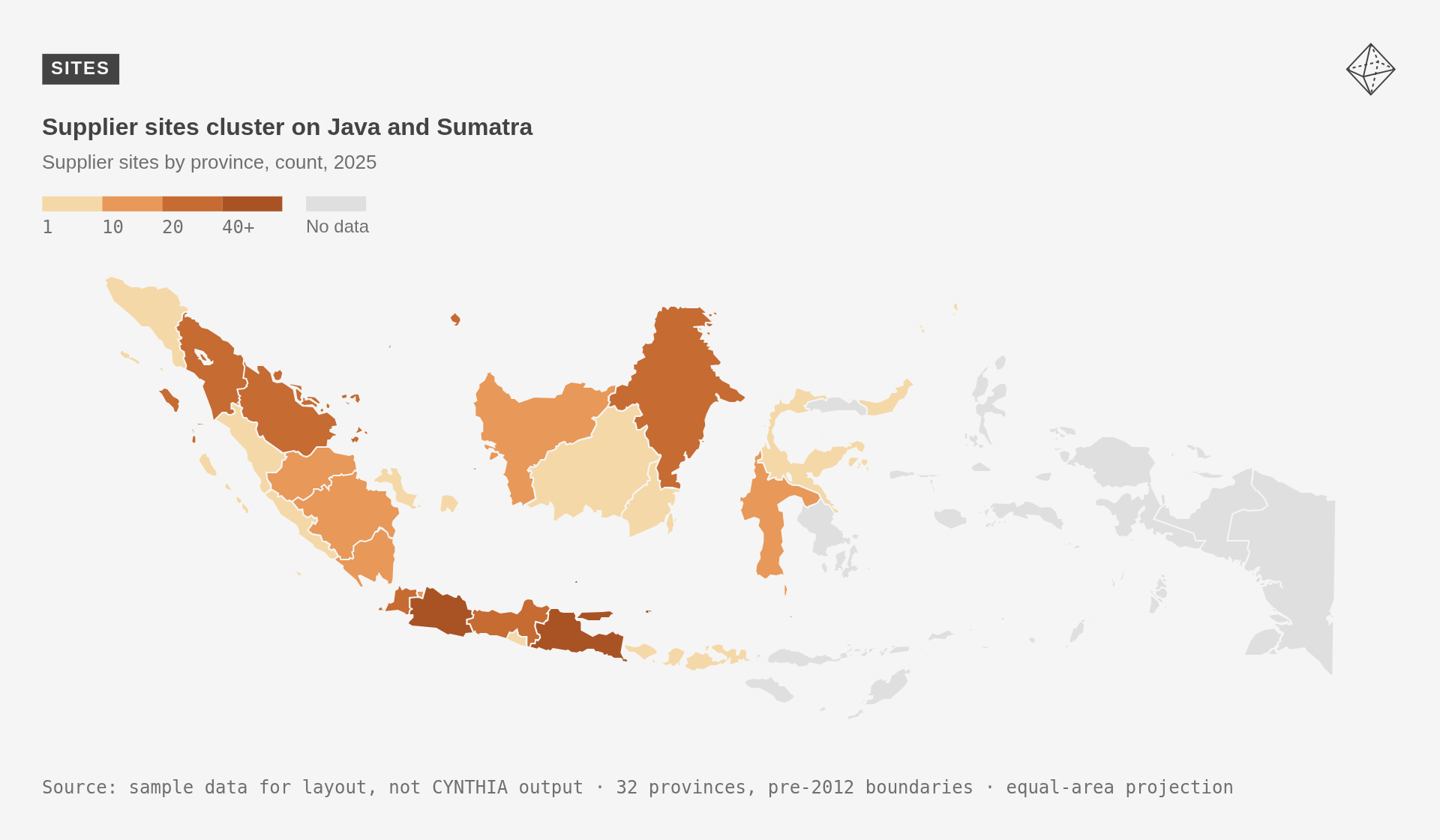 exploratory style
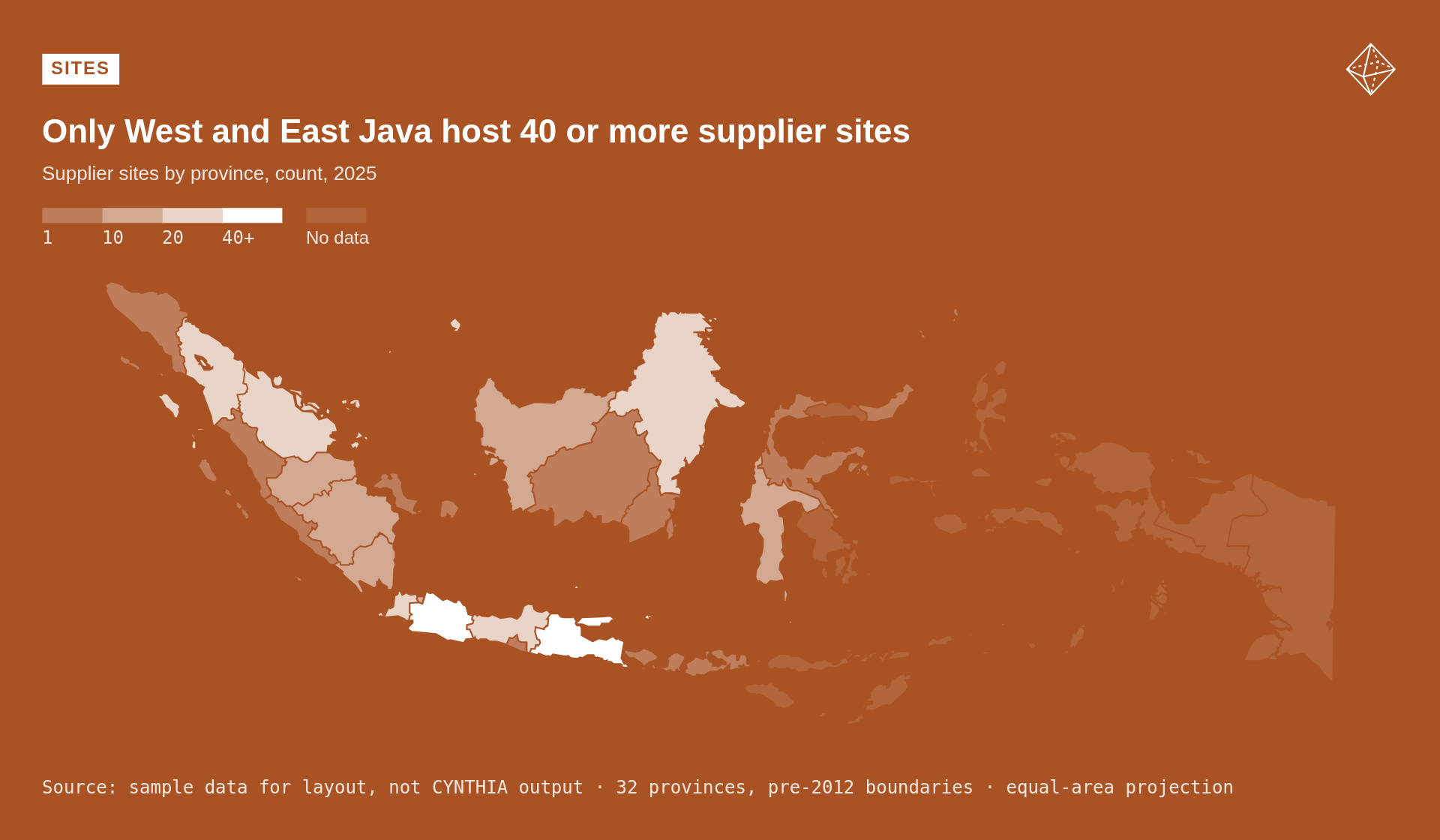 explanatory style
I’m not completely satisfied yet but it’s a start.
All graphs and maps in a pdf